
Backing up MySQL Database Hosted in Docker Container
Introduction
[edit | edit source]In posting [Creating MySQL Image with Docker File](https://jojozhuang.github.io/architecture/creating-mysql-image-with-docker-file/), we created MySQL image `jojozhuang/jspmysql` with Dockerfile, and used this image to run MySQL container. The issue is MySQL image doesn’t persist data. Initially, in this MySQL container, there are three rows in table `Product`. If you make some changes(eg. add new product), and create new image based on this container, these changes won’t be restored to the new image, they are lost. So each time before creating a new image for MySQL container, we need to backup the database first.
MySQL Database Backup
[edit | edit source]General Backup Approaches in MySQL
[edit | edit source]Some general methods for making backups in MySQL.
- Making Backups with mysqldump - Making Backups by Copying Table Files - Making a Hot Backup with MySQL Enterprise Backup - Making Delimited-Text File Backups - …
We will focus on `mysqldump`.
Dumping Data in SQL Format with mysqldump
[edit | edit source]Dump all databases and save to file.
$ mysqldump --all-databases > dump.sql
Dump only specific databases and save to file.
$ mysqldump --databases db1 db2 db3 > dump.sql
Using mysqldump for MySQL Container
[edit | edit source]Dump specific database in container. The format looks as follows.
$ docker exec CONTAINER /usr/bin/mysqldump -u root --password=PASSWORD DATABASE > backup.sql
Backing up and Restoring
[edit | edit source]Dump Database
[edit | edit source]Check the container id.
$ docker ps
CONTAINER ID  IMAGE         COMMAND                CREATED         STATUS         PORTS                   NAMES
f91d97a62086  jspmysql:0.1  "docker-entrypoint..." 28 minutes ago  Up 28 minutes  0.0.0.0:6603->3306/tcp  jspmysql
Execute `mysqldump` in docker terminal.
$ docker exec f91d97a62086 /usr/bin/mysqldump -u root --password=jsppassword jsptutorial > backup.sql
Notice `f91d97a62086` is the container id, `jsptutorial` is the database and `backup.sql` is the output file. After running the above command, a new backup.sql file is created. 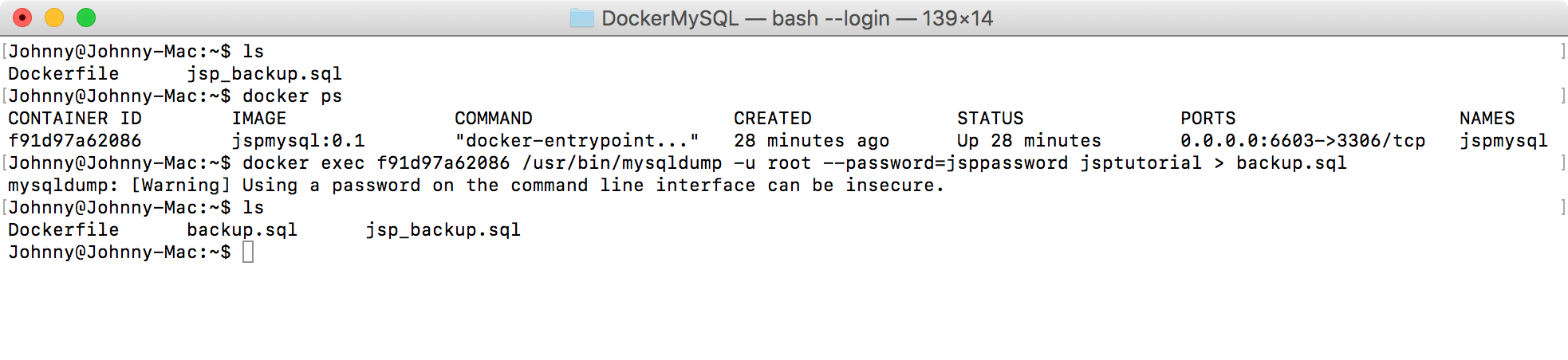
Checking the Output File
[edit | edit source]Notice that new product `(4,'iPad',399)` is added to the sql for restoring table `Product`. 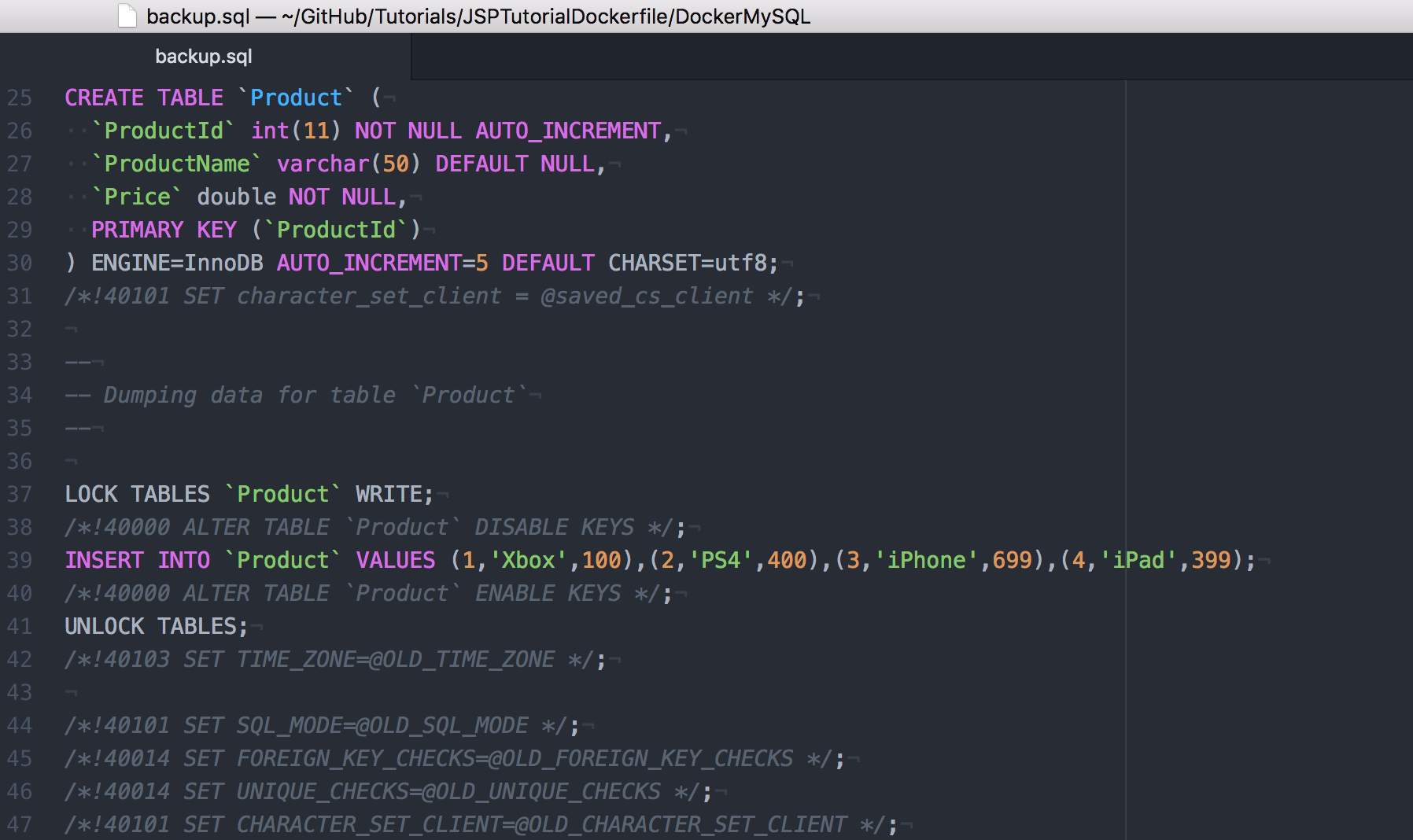 Now you can rename this file to jsp_backup.sql or use it directly in Dockerfile to create MySQL image.
Restoring Data to MySQL Container
[edit | edit source]You can also restore the data directly to the container. In docker terminal, run the following command.
$ cat backup.sql | docker exec -i f91d97a62086 /usr/bin/mysql -u root --password=jsppassword jsptutorial



